
What you can build
Four kinds of things, one way of working
Each one is a description in and a readable change out. What is available today is marked. What is on the roadmap is stated as such, because a sales page that promises what does not exist is a page you cannot trust.
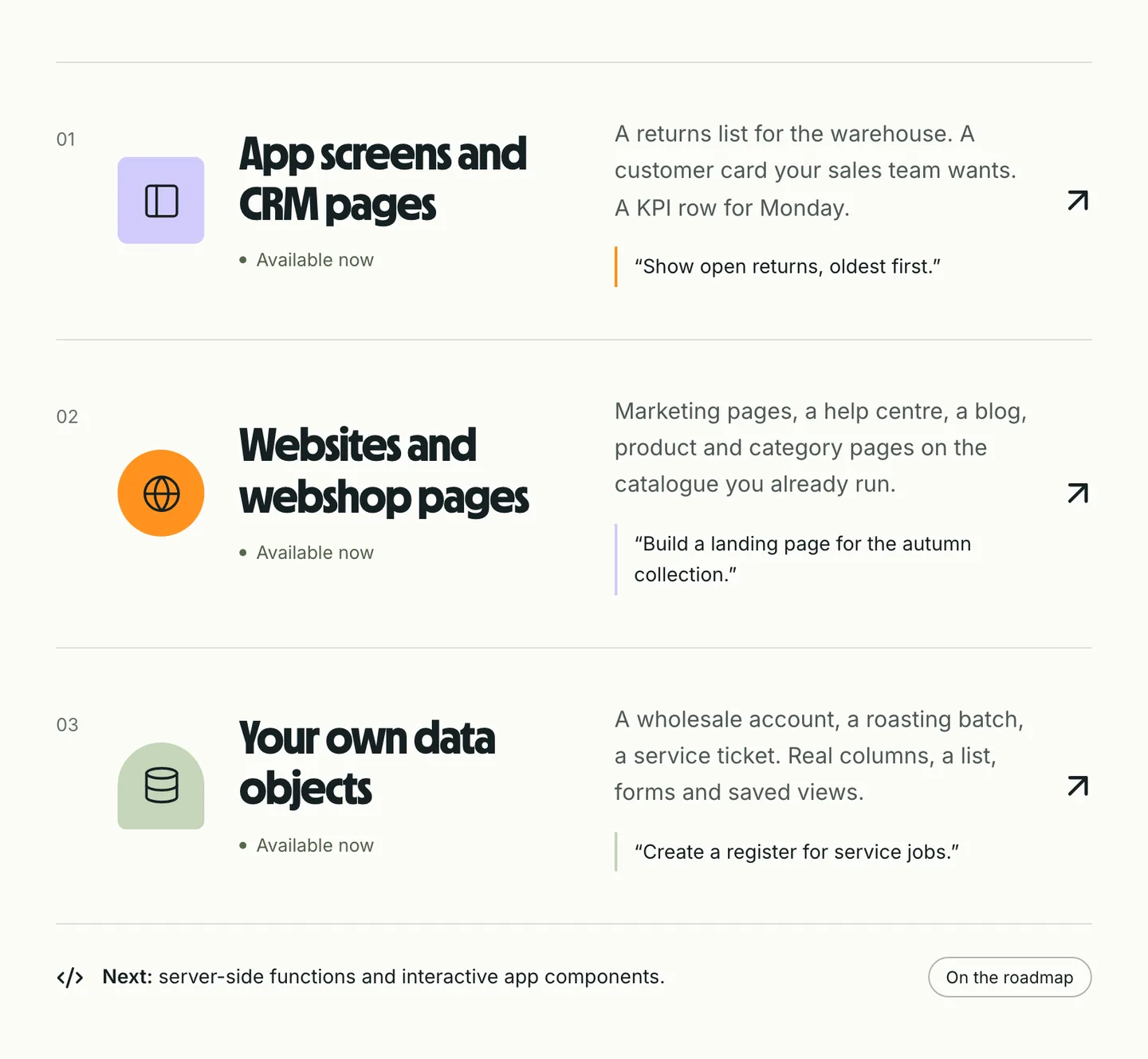
App screens and CRM pages — available now
A list of open returns for the warehouse. A customer card your sales team actually wants. A KPI row for Monday morning. Screens are composed from a registry of layout nodes — tables, record details, tabs, KPI rows, charts, funnels, maps — and drawn by Holio itself.
Every screen gets a URL and a place in the menu. Filters and open state live in the address bar, so a link shares exactly what you see.
Websites and webshop pages — available now
Marketing pages, a help centre, a blog, product and category pages on the catalogue you already run. Twenty-three block types, Norwegian and English side by side with translation you review, releases, revisions and SEO fields built in.
Your own domain, once you have proved you control it.
Your own data objects — available now
A wholesale account, a roasting batch, a service ticket. Describe the object and its fields and it becomes a real table in your tenant: real columns, real constraints, real indexes, no spreadsheet in disguise.
Each object gets a list, forms, saved views and a layout for free, relates to the platform's own orders, customers and products, and shows up in search, in screens and in the assistant.
Functions and app components — on the roadmap
Server-side functions your own developers write, called over HTTP from your pages and flows, and small interactive components embedded in a page that talk to Holio through a typed bridge.
Both run in a sandbox with no network and no credentials, on a machine of its own, away from the platform's API. Per-tenant rate limits and daily budgets are a precondition of the first production run, not a follow-up. The decision is taken; the build is next.
How every one of them is made
Describe
Plain language in the chat. The assistant reaches only typed, allow-listed tools inside your tenant.
Read
The preview is the real thing. The change rail shows the diff, the commit and the validation verdict.
Publish
A person clicks. The draft becomes live, the previous version becomes a revision.
Start with the screen your team asks for most
Tell us what it is. We build it with you on the walkthrough.