
Holio apps
Every Holio app. One address.
Holio runs in the browser, and some of it is better installed: an app with its own window and icon, a browser extension that fills your logins, a connector for your AI assistant. This is where they are.
- Mac
- Holio Desktop · Profrakt · Holio Chat
- Windows and Android
- Holio Chat — preview and APK
- Browser
- Holio Vault extension · Holio Ops · Holio itself
- AI assistants
- Holio MCP for Claude and ChatGPT
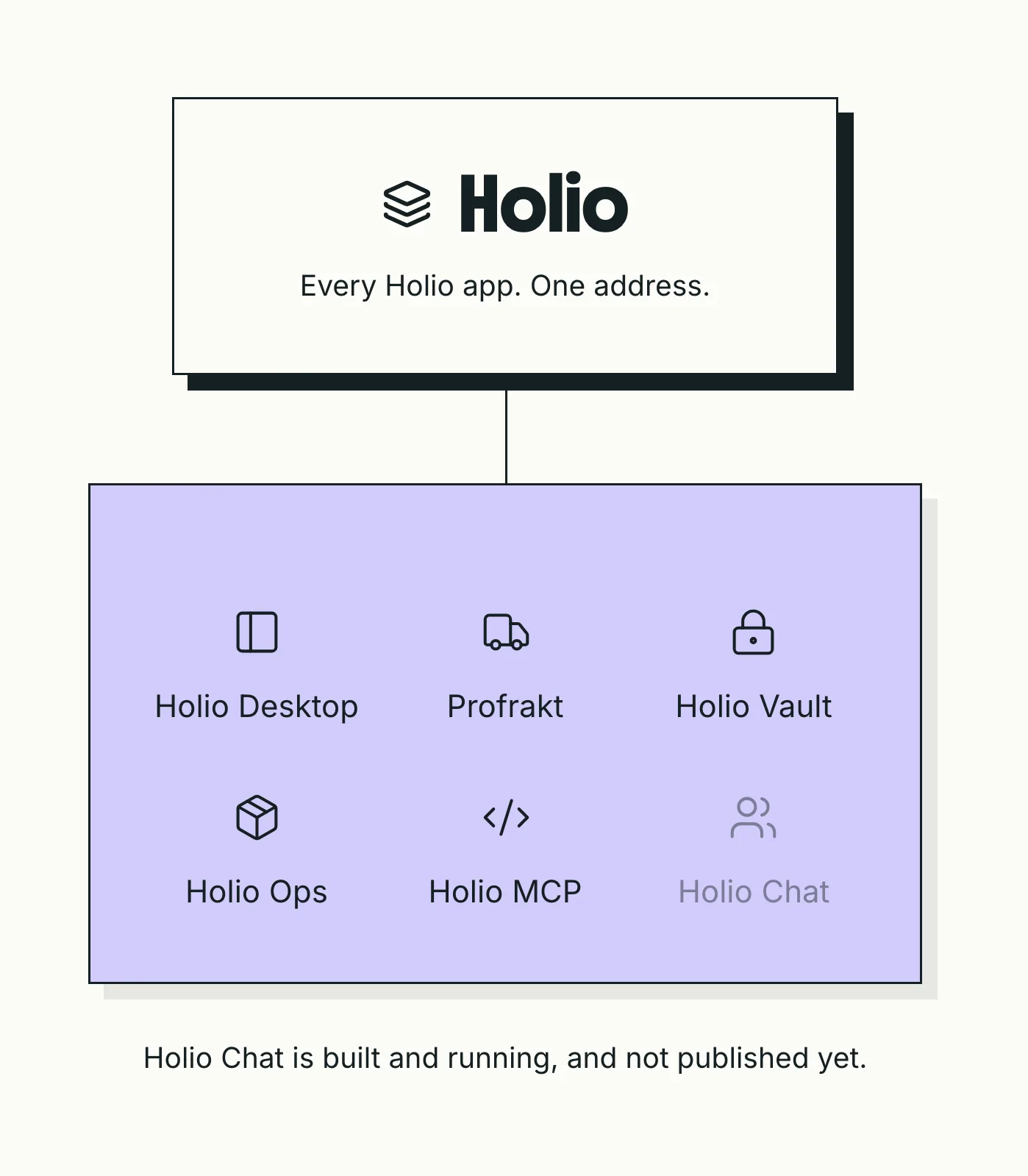
The apps
Holio Desktop
Holio in its own window: a session per environment, holio:// links and native notifications.
Profrakt
The Profrakt customer portal installed, with a printer chosen once and silent label printing.
Holio Vault
Your team vault in the toolbar: search, copy, and fill logins on the page you are on.
Holio Chat
Team chat and Hilde Møte in one app. Signed and notarized for the Mac, a preview installer for Windows, an APK for Android.
Holio Ops
Picking, packing and receiving on a scanner or a phone. Add it to the home screen.
Holio MCP
Your Holio data as tools for an AI assistant, through one connector address.
Holio Desktop
Holio as an app on your Mac. Its own icon and window, a separate sign-in per environment so stage and production sit side by side, holio:// links that open the right screen from a chat or a document, a notification when a message arrives, and an unread badge on the Dock.
Version 0.2.1 · macOS 11 or later · 127 MB (Apple Silicon), 134 MB (Intel). Not sure which Mac you have? Apple menu → About This Mac: "Chip: Apple M…" is Apple Silicon.
Profrakt for the desktop
The Profrakt customer portal, installed. It opens the same portal the browser does and adds what a tab cannot: a label printer chosen once and printed to silently, profrakt:// links, and a warning when the app is older than the portal it is showing.
Version 0.2.1 · macOS 11 or later · 127 MB (Apple Silicon), 134 MB (Intel). Rather stay in the browser? The portal is at https://app.holiostage.com.
Holio Vault — browser extension
Your team's vault as a toolbar popup: search your items, copy a username or password, and fill the login form on the page you are on. It reuses the Holio session already in your browser — nothing to configure, nothing stored in the extension.
Chrome, Edge, Brave and Arc today. It is not on the Chrome Web Store yet, so it installs unpacked — about a minute:
- Download the zip (116 kB) and unzip it.
- Paste
chrome://extensionsinto the address bar. A link cannot open that page; it has to be typed or pasted. - Turn on Developer mode, top right.
- Choose Load unpacked and pick the folder you just unzipped.
- Pin Holio Vault from the puzzle-piece menu.
Leave the folder where it is — Chrome loads the extension from that path every time it starts, so moving or deleting it removes the extension.
Holio Chat
Team chat and Hilde Møte in one app: one conversation list, one thread, one composer, native notifications, and a meeting you join from the thread.
For the Mac it is version 0.1.50 — 137 MB for Apple Silicon, 144 MB for Intel, and the Apple menu → About This Mac tells you which one you have. It is the one app on this page that is signed with an Apple Developer ID and notarized, so it opens on first launch with no Open Anyway and installs its own updates from then on. For Windows there is a preview installer, version 0.1.46, 116 MB: not signed yet, so SmartScreen asks once (More info → Run anyway), and it tells you about a new version rather than installing it.
For Android there is an APK to install directly, version 0.2.6 build 19, 137 MB: it is not in Google Play yet, so the phone asks once for permission to install it, and the app tells you about a new APK from then on. It is in All downloads below.
The iPhone build is the same version and is tested through TestFlight by invitation, so there is no public link to it: ask us and we will send you one. Meldinger in Holio is the same chat in the browser on any phone, on either platform.
Holio Ops — the warehouse app
Picking, packing, receiving and stock counts on a handheld scanner or a phone. It is a web app built for a small screen and a camera, so there is nothing to download: open it, sign in, and add it to the home screen — Share → Add to Home Screen on iPhone, Install app in Chrome on Android — and it opens full-screen like any other app.
Holio MCP — for AI assistants
Your Holio data — companies, orders, shipments, products, global search — as tools an AI assistant can call, over the Model Context Protocol. One connector address, no install:
https://mcp.holio.ai/mcp
In Claude: Settings → Connectors → Add custom connector, name it Holio, paste the address and sign in with your Holio account. In Claude Code: claude mcp add --transport http holio followed by the address. Reads only, scoped to the companies your account can see.
All downloads
Direct links to the latest build of each. The version is in the label.
- Holio Desktop for Mac — Apple Silicon (M1 and later)external
- Holio Desktop for Mac — Intelexternal
- Profrakt for Mac — Apple Silicon (M1 and later)external
- Profrakt for Mac — Intelexternal
- Holio Chat for Mac — Apple Silicon (M1 and later), signed and notarizedexternal
- Holio Chat for Mac — Intel, signed and notarizedexternal
- Holio Chat for Windows — x64 installer (preview, unsigned)external
- Holio Chat for Android — APK (not in Google Play)external
- Holio Vault — browser extension (unpacked)external
Installing a Mac app
Four steps, and the third one only the first time.
Download the .dmg for your Mac
Apple Silicon or Intel — the list above says which is which.
Open it and drag the app into Applications
Then eject the disk image. The copy in Applications is the app.
First launch: allow it once
macOS will say it could not verify Holio Desktop or Profrakt, because those builds are not yet signed with an Apple Developer ID. Open System Settings → Privacy & Security, scroll to the bottom and choose Open Anyway. You are asked once per app. Holio Chat is signed and notarized and skips this step.
Sign in as you do in the browser
Each app opens the real product — the same screens, the same sign-in. In Holio Desktop, ⌘1 to ⌘4 switch environments, each with its own session.
Questions about the apps
Why does macOS say the app could not be verified?
Because Holio Desktop and Profrakt are not yet signed with an Apple Developer ID certificate. Each app is the same code as the website it wraps; what is missing is Apple's stamp on the file. Open Anyway in Privacy & Security is asked once. Holio Chat already carries that stamp — signed and notarized — which is why it never asks; the other two follow, and when they ship signed this question disappears.
Do the apps update themselves?
Holio Chat for Mac does: it downloads a new signed build in the background and installs it on the next restart. The others not yet — a new version is a new download from this page; the links always point at the latest build, and the version you have is under the app's name → About in the menu bar. Holio Chat for Windows tells you about a new version and opens this page.
Windows or Linux?
Holio Chat has a Windows installer above — a preview, not yet signed, so SmartScreen shows Windows protected your PC and the installer runs after More info → Run anyway. Holio Desktop and Profrakt are built from one source for all three, but only the Mac builds are published so far. On Windows and Linux use Holio in the browser — Chrome's Install app gives it a window and an icon of its own, and Holio Vault works there unchanged.
What can a desktop app reach on my machine?
Nothing the website cannot. The page inside the window has no access to Node, the file system or the shell; it is the website in a window that knows how to open its own links, show a notification and — in Profrakt — talk to a printer you chose. Downloads go where the browser's would.
Rather not install anything?
Open Holio in Safari and choose File → Add to Dock, or in Chrome choose Install app. You get an icon and a window without a download — and lose the per-environment sessions and holio:// links, which need Holio Desktop.
New to Holio?
Every app here is a window onto your Holio tenant. If you do not have one yet, a walkthrough is where it starts.